Business listings checker.
Same details, everywhere.
Old phone numbers and addresses on other sites cost you calls. See where your name, address and phone don’t match your Google profile, and exactly what to change.
- Find your business
- We check your website and listings
- See what’s different and how to fix it
Find your business on Google
Search by business name and suburb, or by phone number. We use your Google Business Profile as the correct details and check your website and directory listings against it. No sign-in.
Can’t see it? Try the phone number on the listing, or open the business in Google Maps, tap Share and paste the link here.
Not on Google Maps yet? We set up Google Business Profiles from A$249. See profile setup →
Your business
We’ll use the website on your Google profile. Only fill this in if it’s missing or wrong there.
- Reading your Google profile
- Checking your website
- Searching Google for your listings
- Comparing your details
Your business listings
Local preview: this is fictional sample data, not real businesses.
Done for you
Rather we fixed these for you?
We’ll update or claim the listings that are wrong and fix your website’s details. Tell us where to send a free quote. No obligation.
Next step, free
See where you rank on Google Maps
Your position at 25 spots across your area, and who’s beating you. Your business is already filled in.
Common questions
What is NAP consistency?
NAP stands for name, address and phone number. When your business details are the same on your website, Google Business Profile and directories like Yellow Pages and True Local, customers reach you and Google trusts the details more. Old numbers and old addresses on other sites do the opposite.
How does this checker work?
We read your Google Business Profile and treat it as the correct version. Then we read your website, search Google for your phone number and business name, and read the directory listings that come up. Each place gets a match, a small difference or a clear difference for your name, address and phone.
Why doesn’t it show every directory I’m on?
We only see listings Google shows for your name and number. A listing Google hasn’t indexed won’t appear, so “we didn’t find you” doesn’t always mean you’re not there. Some sites, like Facebook, block tools from reading them; we link to those so you can check them yourself.
My Google profile is the one that’s wrong. What now?
Fix it on Google first (Google Business Profile → Edit profile), then run the check again. Everything else is compared with your Google details, so they need to be right.
I’m a service-area business with my address hidden. Does that work?
Yes. We only compare your suburb, and we flag any listing that shows your street address so you can decide whether that’s what you want public.
Can you fix the listings for me?
Yes. After the check, ask for a free quote and we’ll update or claim the listings that are wrong and fix the details on your website.
Free Chrome extension
Check any website as you browse.
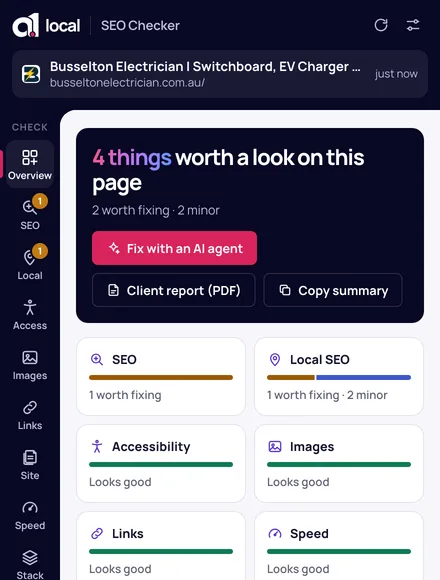
Open a business on Google Maps and click the extension. It compares the profile’s phone and address with the business’s website, and flags anything that doesn’t match.
Local SEO · Google Business Profiles · speed · accessibility · fixes for your AI agent