Google Place ID finder.
Any Australian business.
Search by name, phone number or a Google Maps link. Copy the Place ID (for booking, review and reporting tools), the Google Maps link and your direct review link.
- Find the business
- Pick the right listing
- Copy its Place ID, review link and Maps link
Find the business on Google Maps
Search by business name and suburb, or by phone number, or paste a Google Maps link. Australian businesses only.
Can’t see it? Try the phone number on the listing, or open the business in Google Maps, tap Share and paste the link here.
Not on Google Maps yet? We set up Google Business Profiles from A$249.See profile setup →
Your business
Local preview: this is fictional sample data, so the link below won’t open a real listing.
Opens your listing with the review box ready. Test it in a private window or on a phone that isn’t signed in as you.
Want customers to review you? Get a review QR code and counter card →
Next step, free
Now see where you rank on Google Maps
Your position at 25 spots across your area, and who’s beating you. About a minute. Your business is already filled in.
How to find a Google Place ID
- Search above by business name and suburb, phone number, or paste a Google Maps share link.
- Pick the right listing. Check the address and category match.
- Copy the Place ID (it often starts with “ChIJ”), or the ready-made review link and Maps link.
Google’s own Place ID documentationexplains how developers use it. For customers, you usually want thereview link and QR code or aprintable review card instead.
Common questions
What is a Google Place ID?
A Place ID is the unique ID Google gives every business and place on Google Maps. It’s a string of letters and numbers, and business IDs often start with “ChIJ”.
What do I need a Place ID for?
Mostly for direct review links, Google Maps embeds and the Google Maps developer APIs. Some booking, review and reporting tools also ask for it when you connect your business.
Can a Place ID change?
Occasionally, for example when a listing moves or Google merges duplicates. Google suggests refreshing Place IDs you’ve stored for more than 12 months. Look it up again here any time.
Can I look up any business?
Yes, any business with a public Google Maps listing in Australia. You don’t need to own the listing.
Is it free?
Yes. No sign-up and no card. A1 Local makes free tools for local businesses, and paid help if you want it.
Free Chrome extension
Check any website as you browse.
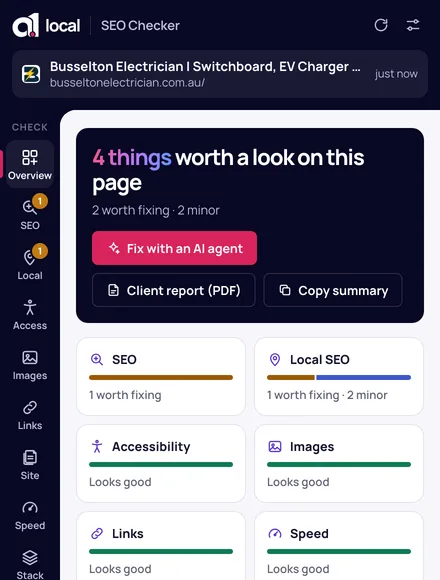
Click the extension on a business on Google Maps and it usually shows the Place ID and review link straight away, along with a quick profile check.
Local SEO · Google Business Profiles · speed · accessibility · fixes for your AI agent