
Distance is part of the ranking
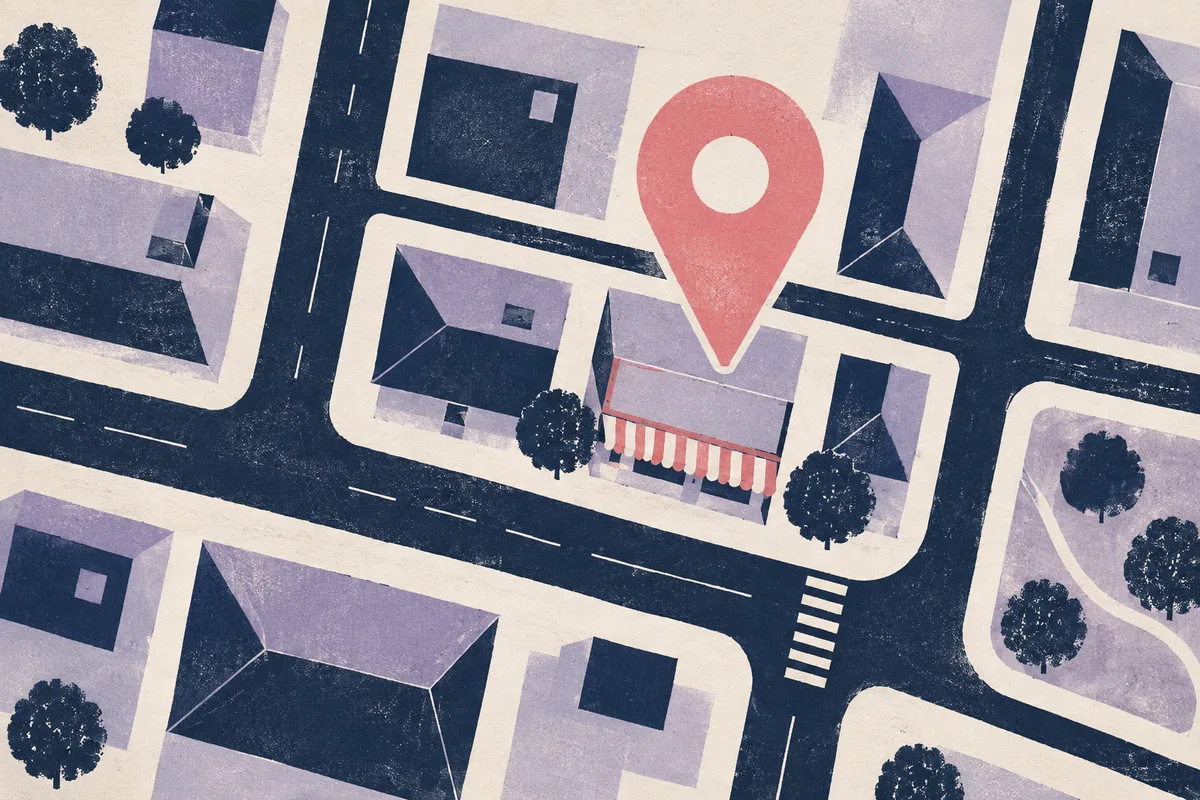
Google uses distance as one of its three local ranking factors, alongside relevance and prominence. When someone searches “electrician near me”, Google looks at where they are and favours businesses nearby.
So your ranking isn’t one number. It’s a different number at every point on the map.
Why checking from your desk misleads you
- You’re searching from the one place where you’re closest to your own business.
- Google may personalise results based on what you’ve searched and visited before.
- Your customers are spread across suburbs you rarely search from.
The result: owners often think they rank well everywhere, or badly everywhere, when the truth is somewhere in between.
Service-area businesses feel it most
If you travel to customers (trades, cleaners, mobile services) and hide your address, Google still uses your business location to rank you. Customers at the edge of your service area are often the hardest to reach.
How to check your ranking properly
- Pick one search a customer would really type, like “plumber Joondalup”.
- Check it from a grid of points around your business, not just one.
- Note where you’re top 3, where you slip and who ranks instead.
- Re-check the same search, from the same points, every week or two.
Our free Google Maps rank check does this for you: 25 spots, 2 km apart, colour-coded from top 3 to not in the top 20.
How to widen the area where you rank
You can’t change distance, but you can strengthen relevance and prominence so you hold your position further out. Start with the right categories and services, then build genuine reviews over time. Our Google Business Profile checklist covers the basics.